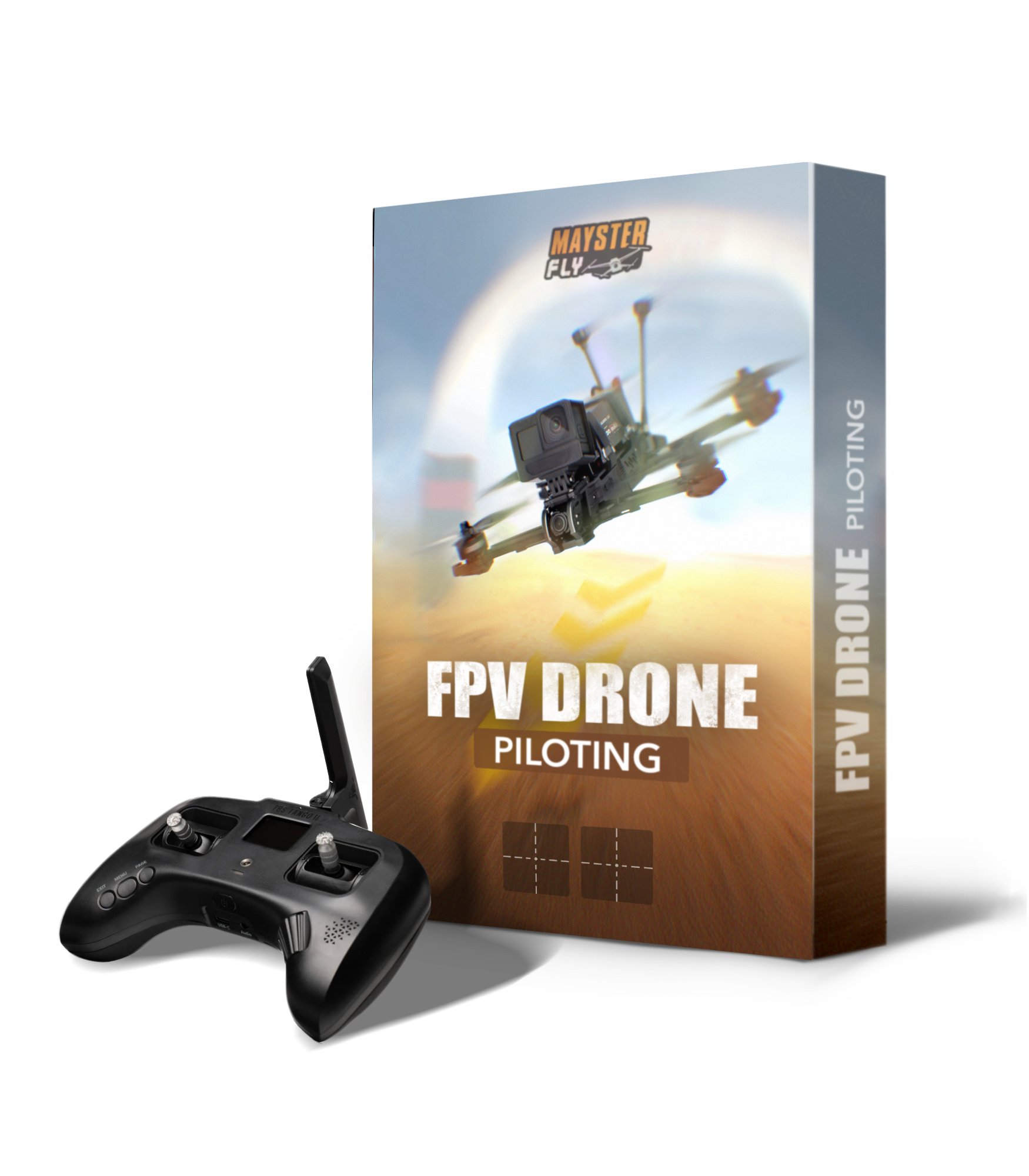
FPV DRONE PILOTING COURSE
FROM BEGINNER TO CONFIDENT PILOT
A structured step-by-step system
from simulator training to real FPV flights.
FPV DRONE PILOTING COURSE
FROM BEGINNER TO CONFIDENT PILOT
A structured step-by-step system
from simulator training to real FPV flights.
НОВОРІЧНІ ЗНИЖКИ 15% З ПРОМОКОДОМ NY_2026
ДО КІНЦЯ ЗНИЖКИ
ABOUT THE COURSE
This course is designed for those who want to confidently fly an FPV drone but don’t know where to start.
We begin with choosing the right controller and setting up your simulator, then move on to essential maneuvers and gradually build full control of the drone.
You will gain:
✔️ A clear understanding of flight control mechanics
✔️ Practical exercises to develop precise control
✔️ In-depth explanations of inertia, balance, and trajectory
✔️ A structured training system — without chaos
COURSE PROGRAM
MODULE 1 — Choosing and Setting Up Your Controller & Simulator
4 lessons · 30 minutes total + additional materials
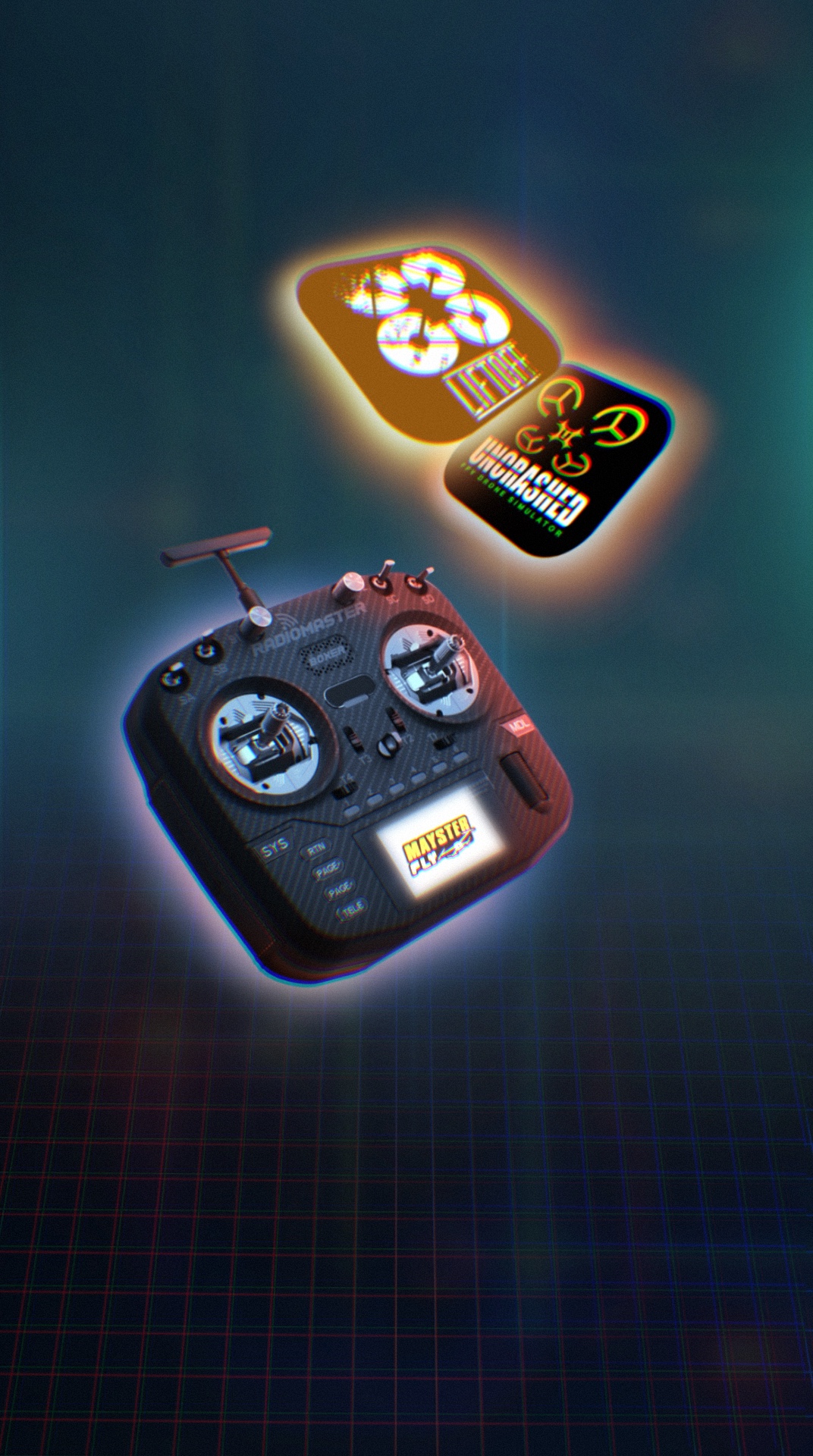
● Lesson 1: Radio Controller Basics — Key Parameters, Selection & Recommendations
● Lesson 2: FPV Simulators — How to Choose and Install
● Lesson 3: Controller Calibration
● Lesson 4: Liftoff Simulator Interface & Essential Settings
By completing this module, you will:
-
Understand how FPV radio controllers are built and how they work
-
Learn the key technical parameters that matter when choosing your first controller
-
Install and configure an FPV simulator properly
-
Calibrate your equipment correctly for accurate control
After this module, you will be fully prepared to begin structured flight training in the simulator with properly configured equipment.
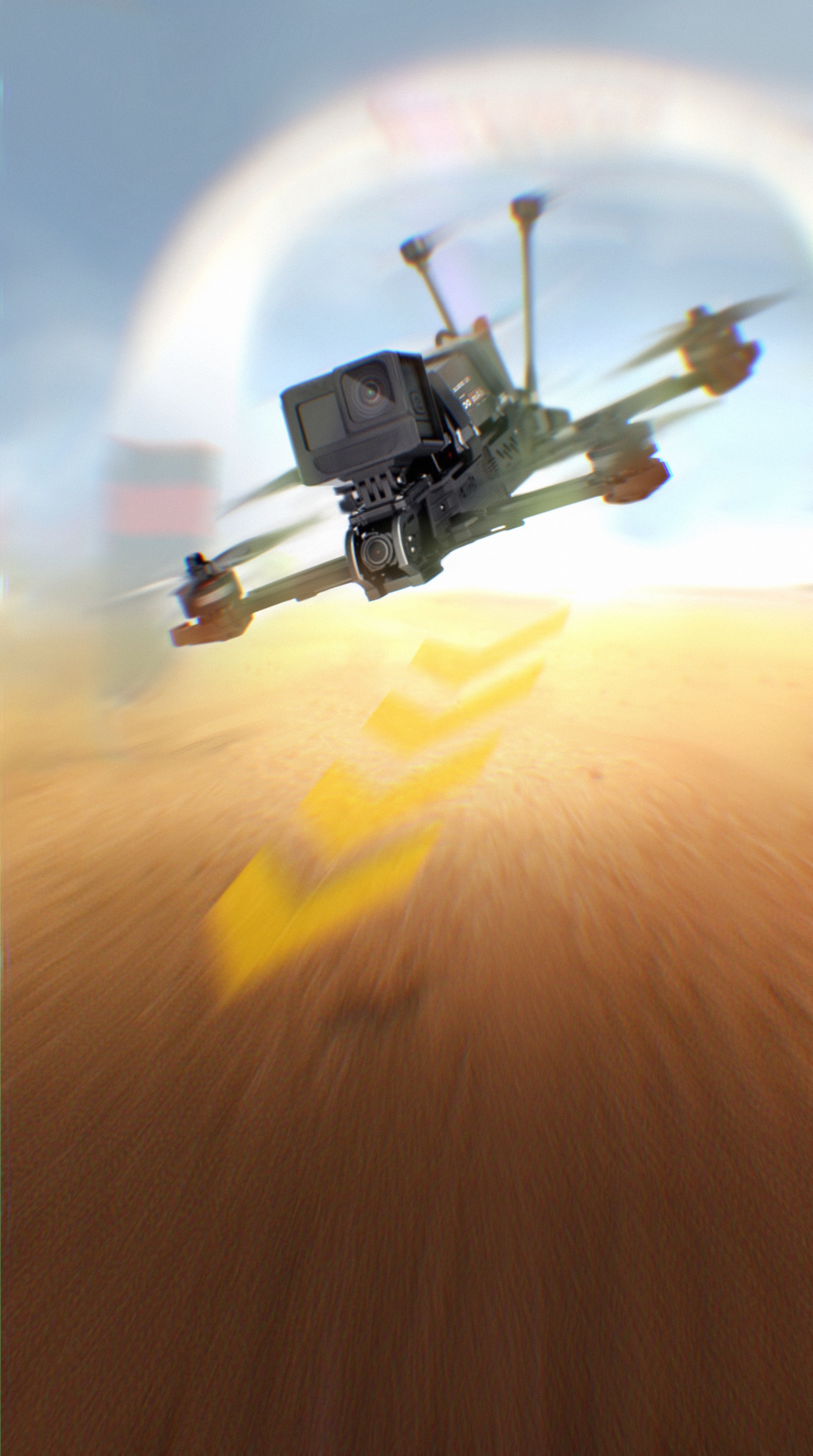
MODULE 2 — Flight Fundamentals: Core Skills & Simulator Maneuvers
8 lessons · 1 hour 15 minutes total + additional materials
● Lesson 5: Basic Exercises — Takeoff, Hovering & Control Mechanics
● Lesson 6: Basic Exercises — Forward & Lateral Movement. Flight Modes
● Lesson 7: Changing Trajectory & Smooth Turns — Building Fundamental Maneuverability
● Lesson 8: Braking Mechanics & 90° Turns in Motion
● Lesson 9: Braking Mechanics & 180° Turns in Motion
● Lesson 10: Orbiting an Object — Combining Core Skills into a Coordinated Maneuver
● Lesson 11: Hovering & Slow Indoor Flight — Precision Control in Tight Spaces
● Lesson 12: Landing — Mastering Accurate and Controlled Touchdowns
By the end of this module, you will:
-
Understand throttle balance, inertia, trajectory, and roll coordination
-
Develop stable hover control and directional precision
-
Learn to brake correctly and execute clean 90° and 180° turns
-
Build confidence through structured, progressive exercises
These are the core piloting skills that many beginners struggle with.
Once mastered, you will be ready to purchase your first real FPV drone and transition safely from simulator practice to real-world flights.
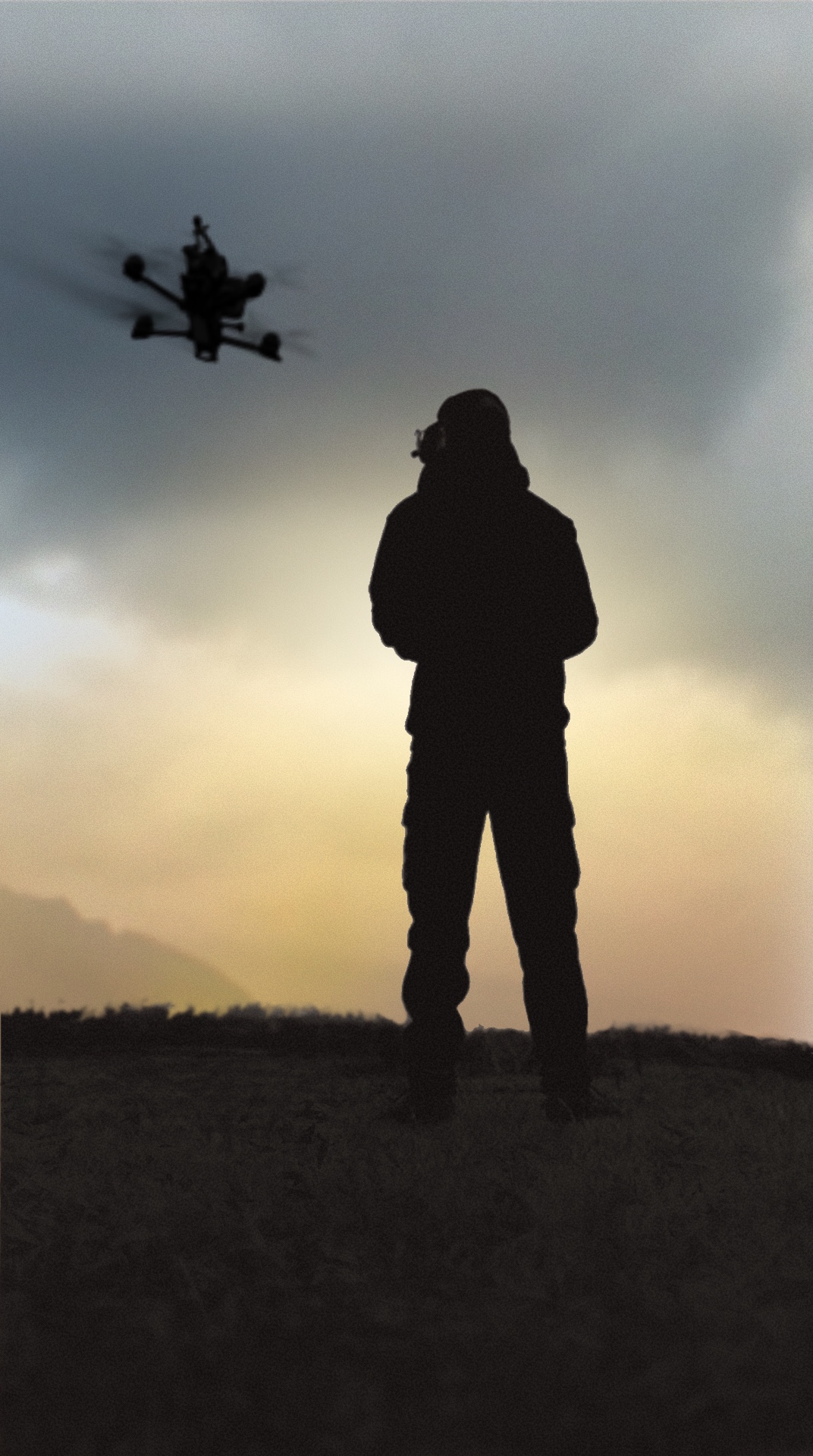
MODULE 3 — Choosing Your Drone, Setup & First Real Flights
Currently available: 1 lesson (5 minutes)
Additional lessons are being released progressively.
● Lesson 13: Types of FPV Drones — How to Choose Your First Training Drone
● Lesson 14: Control Link Systems — Analog vs Digital (Coming Soon)
● Lesson 15: FPV Goggles — Selection & Recommendations (Coming Soon)
● Lesson 16: Batteries & Chargers — What You Need to Know (Coming Soon)
● Lesson 17: Betaflight Setup — Firmware Flashing & Basic Configuration (Coming Soon)
● Lesson 18: Binding Your Drone to the Radio — First Connection (Coming Soon)
● Lesson 19: Antennas — Types, Placement & Performance (Coming Soon)
● Lesson 20: First Real Flights — Exercises & Safety Guidelines (Coming Soon)
● Lesson 21: Essential Tools & Accessories Every Pilot Should Have (Coming Soon)
● Lesson 22: Drone Maintenance — Repairs & Component Replacement (Coming Soon)
What this module will give you:
-
A clear understanding of which drone is right for your level
-
Knowledge of FPV systems (radio links, video systems, goggles)
-
Step-by-step preparation for your first real-world flight
-
Practical setup guidance to avoid beginner mistakes
This module bridges the gap between simulator training and real FPV flying.
COURSE PROGRAM
MODULE 1 — Choosing and Setting Up Your Controller & Simulator
4 lessons · 30 minutes total + additional materials
● Lesson 1: Radio Controller Basics — Key Parameters, Selection & Recommendations
● Lesson 2: FPV Simulators — How to Choose and Install
● Lesson 3: Controller Calibration
● Lesson 4: Liftoff Simulator Interface & Essential Settings
By completing this module, you will:
-
Understand how FPV radio controllers are built and how they work
-
Learn the key technical parameters that matter when choosing your first controller
-
Install and configure an FPV simulator properly
-
Calibrate your equipment correctly for accurate control
After this module, you will be fully prepared to begin structured flight training in the simulator with properly configured equipment.
MODULE 2 — Flight Fundamentals: Core Skills & Simulator Maneuvers
8 lessons · 1 hour 15 minutes total + additional materials
● Lesson 5: Basic Exercises — Takeoff, Hovering & Control Mechanics
● Lesson 6: Basic Exercises — Forward & Lateral Movement. Flight Modes
● Lesson 7: Changing Trajectory & Smooth Turns — Building Fundamental Maneuverability
● Lesson 8: Braking Mechanics & 90° Turns in Motion
● Lesson 9: Braking Mechanics & 180° Turns in Motion
● Lesson 10: Orbiting an Object — Combining Core Skills into a Coordinated Maneuver
● Lesson 11: Hovering & Slow Indoor Flight — Precision Control in Tight Spaces
● Lesson 12: Landing — Mastering Accurate and Controlled Touchdowns
By the end of this module, you will:
-
Understand throttle balance, inertia, trajectory, and roll coordination
-
Develop stable hover control and directional precision
-
Learn to brake correctly and execute clean 90° and 180° turns
-
Build confidence through structured, progressive exercises
These are the core piloting skills that many beginners struggle with.
Once mastered, you will be ready to purchase your first real FPV drone and transition safely from simulator practice to real-world flights.
MODULE 3 — Choosing Your Drone, Setup & First Real Flights
Currently available: 1 lesson (5 minutes)
Additional lessons are being released progressively.
● Lesson 13: Types of FPV Drones — How to Choose Your First Training Drone
● Lesson 14: Control Link Systems — Analog vs Digital (Coming Soon)
● Lesson 15: FPV Goggles — Selection & Recommendations (Coming Soon)
● Lesson 16: Batteries & Chargers — What You Need to Know (Coming Soon)
● Lesson 17: Betaflight Setup — Firmware Flashing & Basic Configuration (Coming Soon)
● Lesson 18: Binding Your Drone to the Radio — First Connection (Coming Soon)
● Lesson 19: Antennas — Types, Placement & Performance (Coming Soon)
● Lesson 20: First Real Flights — Exercises & Safety Guidelines (Coming Soon)
● Lesson 21: Essential Tools & Accessories Every Pilot Should Have (Coming Soon)
● Lesson 22: Drone Maintenance — Repairs & Component Replacement (Coming Soon)
What this module will give you:
-
A clear understanding of which drone is right for your level
-
Knowledge of FPV systems (radio links, video systems, goggles)
-
Step-by-step preparation for your first real-world flight
-
Practical setup guidance to avoid beginner mistakes
This module bridges the gap between simulator training and real FPV flying.
ПЕРЕВАГИ
КОМПАКТНІ УРОКИ
Змістовні та без зайвої води, ідеально адаптовані для новачків та які легко вмістити в будь-який графік.
АНІМАЦІЇ ТА ВІЗУАЛІЗАЦІЇ
Зрозумілі пояснення за допомогою графіки та відео, які спрощують навчання.
ОСОБИСТИЙ КАБІНЕТ
Індивідуальний простір для кожного студента з доступом до матеріалів, прогресу та зворотного зв’язку.
ПЕРЕВІРКА ЗНАНЬ ТА ЗАВДАНЬ
Закріплення матеріалу через контроль знань і перевірку домашніх завдань в тарифі Full.
ДОСТУПНА ЦІНА
Два тарифи. Дешевший для самостійного навчання, дорожчий - з перевіркою завдань.
ГНУЧКИЙ ГРАФІК НАВЧАННЯ
Вивчайте в зручний для вас час і темп.
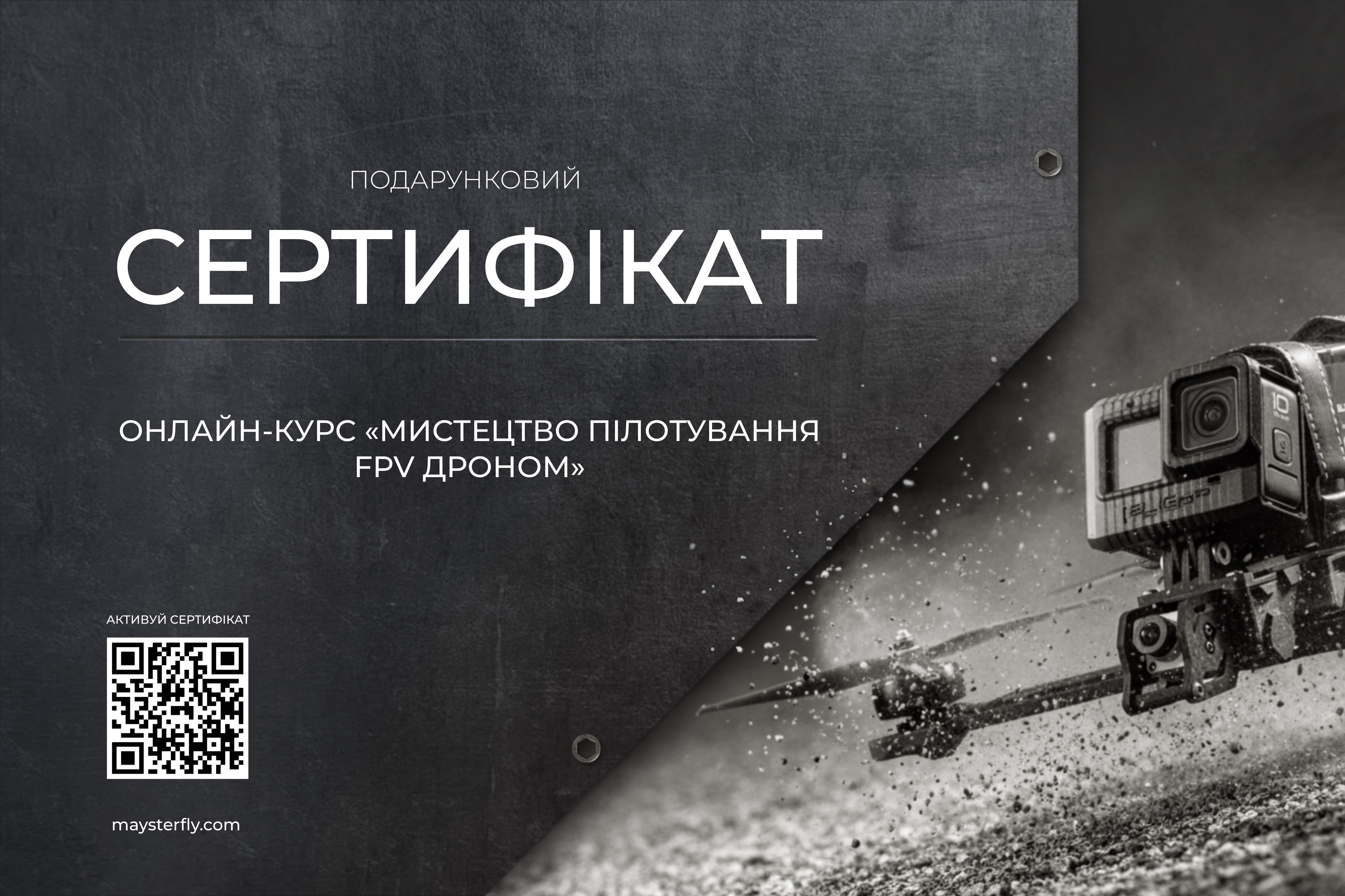
ПОДАРУНКОВИЙ СЕРТИФІКАТ
Найкращий подарунок другу або близькій людині, коли хочеться подарувати можливість, а не просто річ.
✔️ онлайн-навчання
✔️ практика в FPV-симуляторі
✔️ доступ у зручний час
ЦІна сертифікату за вартістю обраного тарифу курсу Lite або Full
НАВЧАЛЬНІ ВОРОТА
Створіть особистий тренувальний простір завдяки воротам від Maysterfly
НАВЧАЛЬНІ ВОРОТА
Створіть особистий тренувальний простір завдяки воротам від Maysterfly
ABOUT THE INSTRUCTOR
I’m a professional videographer and the creator of the YouTube channel Maysterfly.
For over 7 years, I’ve been filming with both cameras and drones, producing commercial videos, advertisements, and music videos for brands and artists.
I created the Maysterfly YouTube channel to share structured educational content about FPV drone piloting and reviews of modern FPV equipment.
As a pilot from Ukraine — a country where FPV technology has rapidly evolved and gained significant real-world application — I’ve had the opportunity to observe and analyze practical drone usage at a very high level of intensity and adaptation.
I have personally trained 300+ pilots offline, helping them build real control, confidence, and technical understanding.
This course brings together everything I’ve learned over the years — commercial production experience, structured simulator training methodology, and practical flight knowledge — so you can progress faster and avoid the mistakes that slow most beginners down.
PRICING
$59 $99
✔ 13 Structured Lessons Across 3 Modules
✔ Complete Step-by-Step Training System
✔ Personal Learning Dashboard
✔ Downloadable Supporting Materials
✔ Continuous Course Updates
✔ 365 Days of Access
✔ English Language
HOW TO GET STARTED
Secure Your Access
Complete your payment online using your preferred method.
Get Instant Access
After payment, you will automatically receive your login details by email to access your student dashboard.
Start Learning
Begin watching the lessons and completing the exercises anytime, anywhere — at your own pace.
STUDENT REVIEWS
Vlad
Absolutely worth the investment. High-quality content with clear explanations, professional visuals, and practical exercises. I’m already seeing progress. Highly recommended.
Volodymyr
Before taking this course, I was trying to complete races on the first Liftoff map — I think it was called ‘Farm.’ It was extremely difficult. The very first turn on that track felt impossible — I kept drifting wide because of inertia, crashing into the ground, or failing to get back on track properly.
Then my brother sent me this course, and it completely changed the way I think about controlling a drone. The first half of the exercises was simple but essential — without it, there would be no foundation. After that, things got challenging: slow flight and the figure-eight exercise. With each hour of practice, these exercises became easier, and I know that over time I’ll be able to execute them perfectly.
Thank you for this course — it taught me how to control an FPV drone from absolute zero. Now I can complete any race in Liftoff — not perfectly on the first attempt, of course — but with every run, I make fewer mistakes and my flight skills keep improving.
Andriy
What I really liked about this course is how the instructor explores the topic from multiple angles, presenting different options while also sharing his personal perspective — what he would choose and in which specific situations.
This approach allowed me to get familiar with a large amount of information in a completely new field, while also benefiting from his distilled, experience-based practical recommendations.
After completing the course, I confidently chose the equipment I needed without overthinking it. I’m currently training in the simulator and will soon test my skills in real-world flight.
FAQ
What Budget Do You Need to Get Started?
To begin your FPV training, you only need a radio controller and a simulator on your computer.
Radio Controller
A reliable beginner-friendly controller starts at approximately $50–60 USD.
Simulator
This course uses Liftoff, which costs around $15–20 USD on Steam.
Computer Requirements
You will need a Windows or macOS computer with at least:
4 GB RAM
2 GB VRAM (graphics memory)Detailed system requirements can be found on the simulator developer’s website.
What Are the Minimum PC Requirements?
The course uses the Liftoff simulator for training.
Minimum system requirements for Windows or macOS:
4 GB RAM
2 GB VRAM (graphics memory)For detailed specifications and compatibility information, please refer to the official Liftoff simulator website.
How Long Does It Take to Complete the Course?
Each lesson is designed to build on the previous one. You should move to the next lesson only after fully understanding and practicing the current material.
For some students, this may take two weeks, while for others it may take a month or more.
Remember, this is your personal learning journey — your progress depends entirely on your pace and consistency.
Can I Use a Console Gamepad for Training?
No. For proper simulator training, you need an FPV radio controller, not a console gamepad.
In the first lesson of the course, you’ll receive detailed recommendations on how to choose the right controller.
If you have any additional questions, feel free to email me.
MAYSTERFLY
© 2026 Maysterfly. Всі права захищені.